Connect to Anything
Read from APIs, databases, files, and messaging systems with one SQL-first engine. Start from a source, not from a blank integration project.
One engine to connect business systems, process data as it moves, and give AI governed access to approved tools and workflows.
Access governed DataZen pipelines securely from the AI assistants you already use.
 Copilot
 Claude
 ChatGPT
 Gemini
 Cursor
















Connect, Transform, Enrich, Deliver, and Mobilize Data in one continuous pipeline.
Read from APIs, databases, files, and messaging systems with one SQL-first engine. Start from a source, not from a blank integration project.
Join live API responses the same way you join tables. Combine records across systems without extra staging layers or brittle custom glue code.
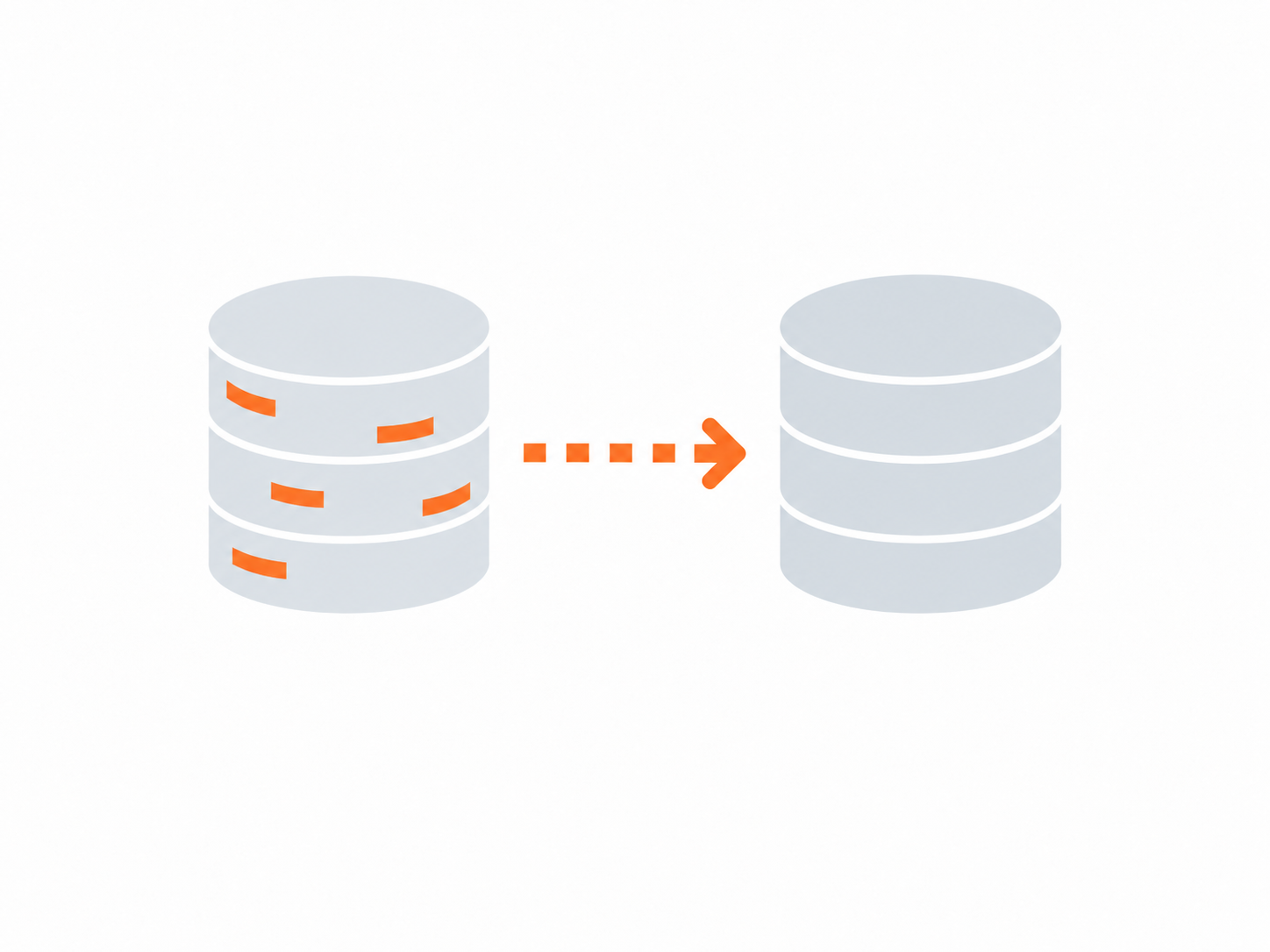
Use AI inline to classify, normalize, summarize, and enrich data as it moves. Keep prompts inside the pipeline instead of outside the workflow.
Turn approved pipelines into governed tools for AI assistants. Expose only the right capability, with controlled access, auditability, and secure execution.
Five Architectural Differences that make DataZen simple and flexible.
DataZen sits between the tools that initiate work and the systems that hold your data. Credentials stay centralized, connections are explicitly approved, and permissions stay narrowly scoped.
That becomes especially important as AI enters the workflow. An AI tool gets only the access assigned to that tool, not everything available to the person using it. You decide which systems it can reach, what data it can access, and what actions it can perform.

Keep connection secrets in DataZen instead of distributing them across users, scripts, applications, or AI tools.
Limit connections to the systems, tools, and operations they actually need.
Keep a record of pipeline activity, transfers, and access across integrations.
Control which sources and destinations a workflow is allowed to reach.

Run on-premises, in a private cloud, Cloud VPC, hybrid environment, or isolated infrastructure.
 Users
Users Workflows
 AI assistants
 Client apps
 External services
 Governed integration control layer
 Centralized credentials
 Scoped access
 Approved connections
 Transfer & access logs
 Flexible deployment
 Applications
 Databases
 Files
Files Internal APIs
Choose the DataZen tier that matches your current integration needs, then expand as sources, pipelines, and execution demands increase.
* DB includes SQL Server, MySQL, Postgres, Snowflake, and Fabric. ODBC is available in Gold only.
** Environment variable encryption is available in Silver edition or higher.
*** Essential access includes creating an API key, starting and stopping pipelines, and obtaining pipeline summaries and status information for agentic skills, integration, and orchestration.
Pricing is per agent per month, paid upfront, and is non-refundable; additional consumption charges may apply, including storage and compute overages.
Supported database targets include SQL Server, MySQL, Postgres, Snowflake, and Fabric. Self-hosted agent priced separately — contact us for details.
DataZen is an integration engine for building data pipelines across APIs, databases, files, cloud services, applications, messaging systems, and AI. It offers key capabilities designed for rapid integration and data movement, including:
It reads data from where it already lives using familiar SQL-like syntax, transforms and enriches it as it moves, identifies meaningful changes when needed, and delivers the result wherever it needs to go.
The same platform can support ETL/ELT, application integration, synchronization, replication, automation, CDC, and AI-powered workflows.
A foundational difference is that DataZen can run a complete pipeline in memory without requiring data to be landed or staged between steps in most cases. Traditional integration platforms typically break processing into separate stages: extract, land, stage, transform, hand off, and only then deliver the data to its final destination. DataZen can keep all this work moving through a single pipeline, reducing the need for intermediate layers.
What further sets DataZen apart is its ability to enhance or modify data by calling other endpoints, HTTP/S APIs, AI Agents, and databases as part of the pipeline itself. Because the data remains entirely in memory, these calls can all happen within the same continuous pipeline.
Traditional integration stacks put much of their complexity into the integration itself, requiring different technologies, logic, and processing to be coordinated across multiple stages, tools, and environments.
DataZen can switch between execution contexts inline, from in-memory processing to HTTP/S APIs to databases and back again. This makes it possible to build heterogeneous pipelines that stitch together multiple programming paradigms in one continuous flow, including custom APIs built on-premises and cloud functions such as AWS Lambda in Python or Azure Functions in C#.
The bottom line is that you may still use warehouses, lakes, staging systems, and other integration tools where they make sense. But DataZen simply does not require those layers to sit in the middle of every integration.
Yes.
DataZen is designed to work alongside existing databases, APIs, applications, warehouses, lakes, cloud services, and integration systems.
You can introduce it at specific points in your existing architecture—at the source, around Bronze or Silver layers, or for individual operational integrations—without redesigning the entire data estate.
You can also rebuild your existing pipelines from scratch.
No.
DataZen can augment an existing integration stack rather than replace it all at once. You can keep the systems and platforms that already work and use DataZen where it simplifies an integration, removes unnecessary layers, adds CDC or enrichment, connects a difficult source, or adds capabilities you don't currently have.
Adoption can happen pipeline by pipeline.
No.
DataZen can transform, filter, enrich, mask, validate, and otherwise work with data inline while it moves through the pipeline.
You can still persist raw or intermediate data when there is a reason to, such as for history, compliance, analytics, auditing, or replay. The difference is that, in DataZen, a permanent landing layer is not a required step in every integration.
Sometimes, but not automatically.
If your architecture benefits from a raw historical Bronze layer or persistent Silver data, DataZen can readily work alongside those layers and seamlessly incorporate them into the pipeline. This architectural decision can depend on compliance requirements, the performance of other systems, or long-running transaction tracking.
But DataZen can also drastically reduce storage requirements by transforming and enriching data inline, using transient database processing when needed, and then sending your business-ready data directly to its destination. That means Bronze and Silver become architectural choices rather than mandatory steps imposed by the integration platform.
Another way DataZen significantly reduces storage costs is through its change-log model. DataZen can capture the last known state of your data in compressed, schema-aware change logs that hold either an entire dataset or only the changes since the last read. Because DataZen creates these logs only when needed, it avoids storing unnecessary copies of data. At the same time, the logs provide many of the functions traditionally handled by Bronze storage layers, including persistence, recovery, and replay. Their compact, portable format makes it easy to reconstruct data states, rerun processing, and move changes between environments.
Yes.
Not every transformation has to run inside DataZen's in-memory engine.
For work such as complex joins, aggregations, multi-step SQL, or operations against large reference datasets, DataZen can move the current pipeline dataset into transient database tables, run database-native SQL, return the result to the pipeline, and clean up those temporary tables when the block completes.
This makes the choice of processing environment a design decision at each step. As you build the pipeline, you can switch to a different processing environment as needed, at any step along the way. For example, one step can use DataZen's in-memory engine, and the next can use database-native processing, all within the same pipeline. This also lets you route work to lower-cost processing resources where it makes sense, rather than relying on the same processing environment for every step.
DataZen can use Synthetic CDC to identify which records have actually changed between executions, even when the source doesn't provide a traditional change stream. Synthetic CDC is a high-performance in-memory operation that works on any data source, including files, HTTP/S endpoints, and databases.
That lets downstream processing focus on inserts, updates, and deletions instead of repeatedly processing records whose business state hasn't changed.
When a source provides a reliable watermark, DataZen can also limit how much data needs to be retrieved in the first place. These techniques can be combined to both reduce data retrieval and eliminate unnecessary processing.
Yes.
A DataZen Reader can capture the data once and allow multiple Writers to consume the same Change Logs independently. DataZen refers to this pattern as multicasting.
That means a single captured change set can feed several applications, databases, warehouses, lakes, or other targets without independently recapturing data from the source for each destination.
An unlimited number.
DataZen supports connections to HTTP/S APIs, relational databases via ODBC drivers, cloud drives and file systems, big-data platforms, messaging systems, and other enterprise sources and targets.
Available connection types may vary between cloud-hosted and self-hosted deployments.
No.
DataZen can connect directly to HTTP/S endpoints, databases, files, storage systems, messaging technologies, and other supported interfaces.
For APIs, DataZen can work with OpenAPI, Swagger, and Postman specifications, removing much of the dependency on vendor-built connectors. Rather than waiting for a dedicated connector to be built or updated for an application, DataZen can communicate directly with systems where accessible APIs and endpoints are available.
Unlike other integration platforms, DataZen’s HTTP/S engine is not limited by a catalog of prebuilt connectors. If DataZen can connect, it can extract and/or send data.
DataZen supports a broad range of enterprise authentication methods, including Basic Auth, Bearer Tokens, OAuth 2.0, session-based authentication including JWT, and Negotiated authentication for on-premise deployments.
That's exactly the kind of situation where DataZen's HTTP connectivity is useful.
You can work with internal APIs, proprietary applications, industry-specific services, cloud functions, and custom HTTP endpoints without waiting for a product-specific connector to be created.
Connections can be configured once and reused across multiple pipelines.
DataZen includes schema-management operations for inspecting, reshaping, enforcing, and adapting schemas inside a pipeline.
For supported database targets, DataZen can also automatically create merge logic and apply schema drift, including adjustments to columns and data types. Exact schema-drift behavior varies by database engine.
That gives you control over how schema changes should flow through an integration.
Yes.
A DataZen pipeline can call HTTP/S endpoints while data is moving and use the response in subsequent processing.
That endpoint could be another SaaS application, an internal service, a cloud function, a machine-learning endpoint, or an AI service. The returned data can enhance, join with, or replace the current pipeline dataset.
Yes.
DataZen supports incoming HTTP/S webhooks, allowing another application to send an event or payload directly into a pipeline.
The incoming data can then be transformed, captured, routed, and sent through downstream processing.
Yes. DataZen supports both batch and real-time integrations, with some limitations for the cloud edition.
DataZen supports a range of patterns, including full snapshots, high watermarks, Synthetic CDC, native CDC streams, overlapping windows, webhooks, messaging, and synchronization patterns.
This lets you choose the approach that best fits both the source system and how quickly the business actually needs the data.
AI can operate directly inside a DataZen pipeline.
A pipeline can call an LLM or AI agent for classification, extraction, interpretation, enrichment, summarization, reasoning, or decision-making. The response can then immediately affect what happens next, such as applying filters and transformations, creating new fields, or triggering downstream actions—all inline within the same pipeline.
This means AI becomes part of the integration flow itself, rather than a separate process that only runs after the integration is finished.
You can send data to an AI Agent directly as part of the prompt or as a temporary file. For larger datasets, DataZen can write data to a temporary file, either in the cloud or locally, for the agent to read and then delete when the request is complete. This is known as a file-based claim-check pattern.
No.
The underlying platform handles conventional integration, ETL/ELT, replication, CDC, APIs, databases, files, synchronization, and operational automation without requiring AI.
AI is an additional capability that can participate in those same pipelines when it adds value.
No.
A DataZen pipeline can be completely deterministic. You can use SQL, transformations, rules, APIs, database processing, CDC, and ordinary application logic without calling an AI model at all.
AI is another tool available to the pipeline, not a requirement.
Not necessarily.
DataZen calls AI through configured AI or HTTP endpoints rather than requiring one specific model provider. Where data goes, therefore, depends on the AI endpoint and deployment architecture your organization chooses.
That allows the AI portion of the architecture to be designed around your security, networking, privacy, and data-residency requirements.
Yes.
A DataZen Reader or Direct pipeline can be exposed as an MCP Tool with defined inputs, transformations, business logic, and outputs.
Instead of exposing the underlying systems directly to an agent, you can expose a governed business capability. For example, a pipeline might retrieve inventory and forecast data, reconcile them, and return the result through a single tool.
Put simply, the pipeline itself becomes the tool.
A list of actions gives an agent individual operations and leaves the agent responsible for deciding how to combine them.
DataZen lets you build the governed pipeline first, combining HTTP calls, database queries, SQL CDC transformations, parameters, and business logic. Once the pipeline is built, that complete, governed capability can be exposed to an AI agent as a single tool.
The agent interacts with the well-defined business operation rather than needing to understand every underlying system and step.
Yes.
AI Agents can, and should, be configured using Access Tokens generated by DataZen. Each token can then be associated with one or more topic areas. You can think of these topic areas as security groups that DataZen uses to control access. You can create as many topics as needed.
For example, you can create data pipelines that expose financial data under the “finance” topic, operational data under the “ops” topic, and general weather data under “general,” then create an access token that is limited to the “finance” and “general” topics.
No!
When it comes to business data, we believe less is more. Here is why.
Creating hundreds of MCP Tools for each individual system pushes a great deal of complexity onto the AI agent. The agent must then search through hundreds or even thousands of tools to determine which ones contain the right data and how to combine them. This increases the likelihood of an unhelpful result, and even when the agent gets the answer right, the process can consume a significant number of AI tokens and become expensive at scale.
These large tool catalogs make it much harder for AI Agents to determine the necessary sequence of steps and reproduce that same path from one request to the next.
Governance also becomes much harder to enforce when an AI Agent can access sources directly, bypassing the controls and boundaries necessary to keep data secure.
We believe your AI agents and users are better served when governed data pipelines serve as a secure data-servicing layer between your AI Agents and the underlying systems. Think of an MCP-enabled DataZen Pipeline as a controlled view into your business world. It can combine data from multiple systems when needed while limiting what data is exposed, enforcing governance, and monitoring every request.
The better approach is to create highly curated data pipelines and expose them as MCP Tools, making AI access more efficient, reliable, and secure.
Not really. There is a small learning curve, but if you already know some SQL, DataZen will feel very familiar.
DataZen uses an integration language called SQL CDC. This is a simplified SQL-like scripting language designed specifically for routing data between systems, with advanced in-memory data transformation capabilities built in.
The syntax is based on familiar SQL concepts, with additional commands designed for integration tasks such as reading from sources, transforming data, capturing changes, calling external services, and pushing data to target systems.
Here is a simple example. This four-line SQL CDC pipeline retrieves weather alerts from an HTTP API, adds a new column on the fly in memory, and writes the results directly into a database. The JSON response is transformed into rows and columns as the pipeline runs. Records are appended automatically, and the target table is created if it does not already exist. All of this happens in four lines of SQL CDC code.
-- Get data from an HTTP API
SELECT * FROM HTTP [weather] (GET /alerts/active);

-- Transform it into rows and columns
APPLY TX 'features';

-- Add a column dynamically
ADD COLUMN 'string(25) State = @right({{Headline}}, 2)';

-- Append data to a table; the table is created if needed
SINK INTO DB [az-sql-db] TABLE 'weatherLatest' WITH APPEND;
DataZen provides a development guide, working examples, and an AI-accessible SQL CDC specification that compatible AI assistants can reference directly. This allows new users to start building business pipelines right away with AI-generated scripts while learning SQL CDC through practical use.
Yes.
DataZen supports cloud-hosted agents as well as self-hosted agents for environments with different security, networking, and connectivity requirements.
Most core capabilities are available in both deployment models, although some connection types and features differ.
Yes.
DataZen supports architectures that span cloud and self-hosted environments. Self-hosted agents can operate close to internal applications or databases while other parts of the architecture interact with cloud services.
That allows organizations to connect systems across environments without first moving everything into the same place.
DataZen applies security controls across agents, connections, APIs, and Change Logs.
Connections are stored in an encrypted format, service tokens can restrict programmatic access by scope, pipelines can mask sensitive fields, and X.509 certificates can be used for encryption, signing, and authentication.
These controls also let you apply different data protections depending on the destination—for example, masking sensitive fields before sending data into a test environment.